
 ✦ Now with Apple Intelligence
Transcribe anything.
Understand every word.
On-device transcription, translation, and live interpretation. Drop in any audio or video and get accurate, speaker-labeled text — then translate it or hear it interpreted live. Nothing ever leaves your device.
iPhone, iPad, Mac & Apple Watch · On-device AI — no account, no cloud.

On-device transcription
Every recording,
transcribed locally.
Drop in any audio or video and SpectaLing transcribes it right on your device — powered by Whisper, Parakeet, and Apple Speech on the Apple Neural Engine. It picks the best engine for your language automatically, and you can choose one yourself. No internet, nothing uploaded.
- Whisper, Parakeet & Apple Speech on the Neural Engine — auto-selected per language
- On-device speaker labels — who said what, set the speaker count
- MP3, WAV, M4A, MP4, MOV — plus MKV / WebM via on-device decoding
- Tap a word to jump there; edit, find & replace, fix names once

Translation that reads naturally
✦ Apple IntelligenceRead it in your language.
Side by side.
Translate any transcript right on your device. Apple Intelligence is built in and recommended: free, with nothing to download. Prefer something else? Run Gemma locally, connect your own Ollama or LM Studio, use Apple Translation, or bring your own key for Gemini, Claude, and GPT.
- Apple Intelligence on device — free, nothing to download
- Original and translation together, line by line
- Local LLMs too — Gemma, or your own Ollama / LM Studio server
- Apple Translation & bring-your-own-key models, dozens of languages

Live interpretation
Hear it interpreted,
line by line.
Point SpectaLing at a meeting, lecture, or video and watch live captions appear — then hear each line spoken in your language through your earphones, a few seconds behind as it translates. Capture your microphone, or your Mac's own system audio. Made for following along — not two-way conversation.
- Live captions from your mic or your Mac's audio
- Each line spoken to your earphones as it lands
- The original is ducked underneath so you keep context
- Save the whole session as a transcript when you're done

Built for getting work out
Your transcript,
in any format.
Export to subtitles, documents, or data — with or without timecodes, speaker labels, and translations. One transcript, every format you need.
- Subtitles: SRT, VTT, ASS
- Documents: TXT, Markdown, PDF, DOCX, RTF
- Data: CSV, JSON
- Toggle timecodes, speaker labels, and dual original + translation

Capture from anywhere
Files, recordings,
even a link.
Drag in files, record a voice memo, capture system or app audio, paste a URL, or subscribe to a podcast. Live in your Mac's menu bar for meetings — SpectaLing notices when a call starts and offers one-tap capture. Share straight from other apps, or point it at a folder and it transcribes everything that lands in it.
- Drag & drop, Voice Memo, system / app audio capture
- Menu-bar meeting capture — detects Zoom & Teams, one tap to start
- From a URL, a podcast feed, or shared straight from any app
- Watch Folders & batch export for the whole backlog

On-device AI
✦ Apple IntelligenceSummaries, key points,
and answers.
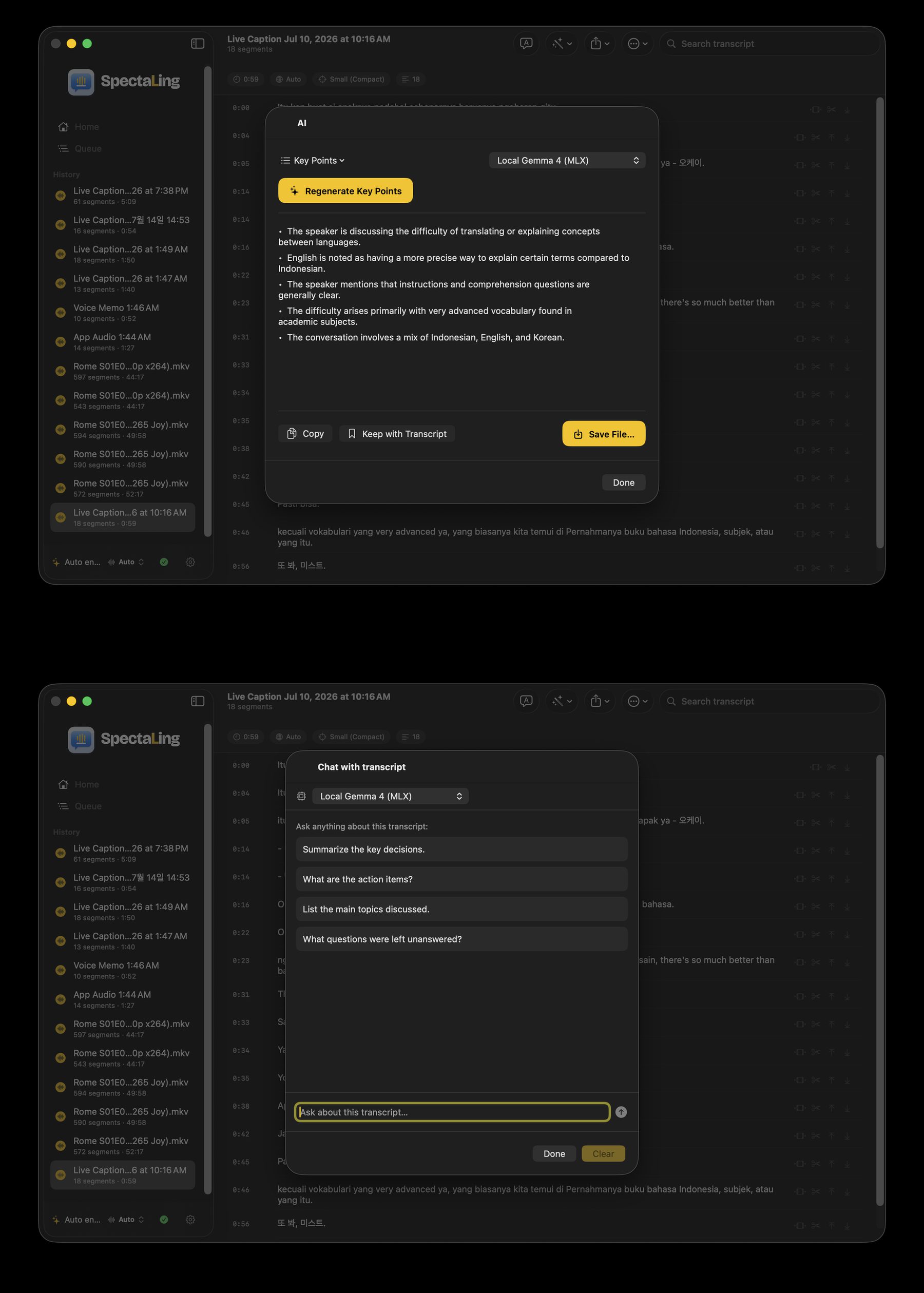
Turn any transcript into a summary, key points, or meeting minutes — or run your own custom prompt. Ask follow-up questions about what was said, and tap any word for a contextual definition. Powered by on-device Apple Intelligence or Gemma — free and private — or bring your own key (Claude / Gemini / GPT) or a local Ollama / LM Studio server.
- Summaries, key points & meeting minutes — or your own custom prompt
- Ask questions about the transcript, right in the app
- Tap a word for a contextual dictionary definition
- On-device Apple Intelligence / Gemma — free & private, or bring your own key
Private by design
The AI runs on your device. Your audio, transcripts, and translations are never sent to a server. Cloud models are opt-in and use your own key.
Always transparent
SpectaLing always shows which transcription model and translation engine is running. No telemetry, ever.
One app. Every screen.
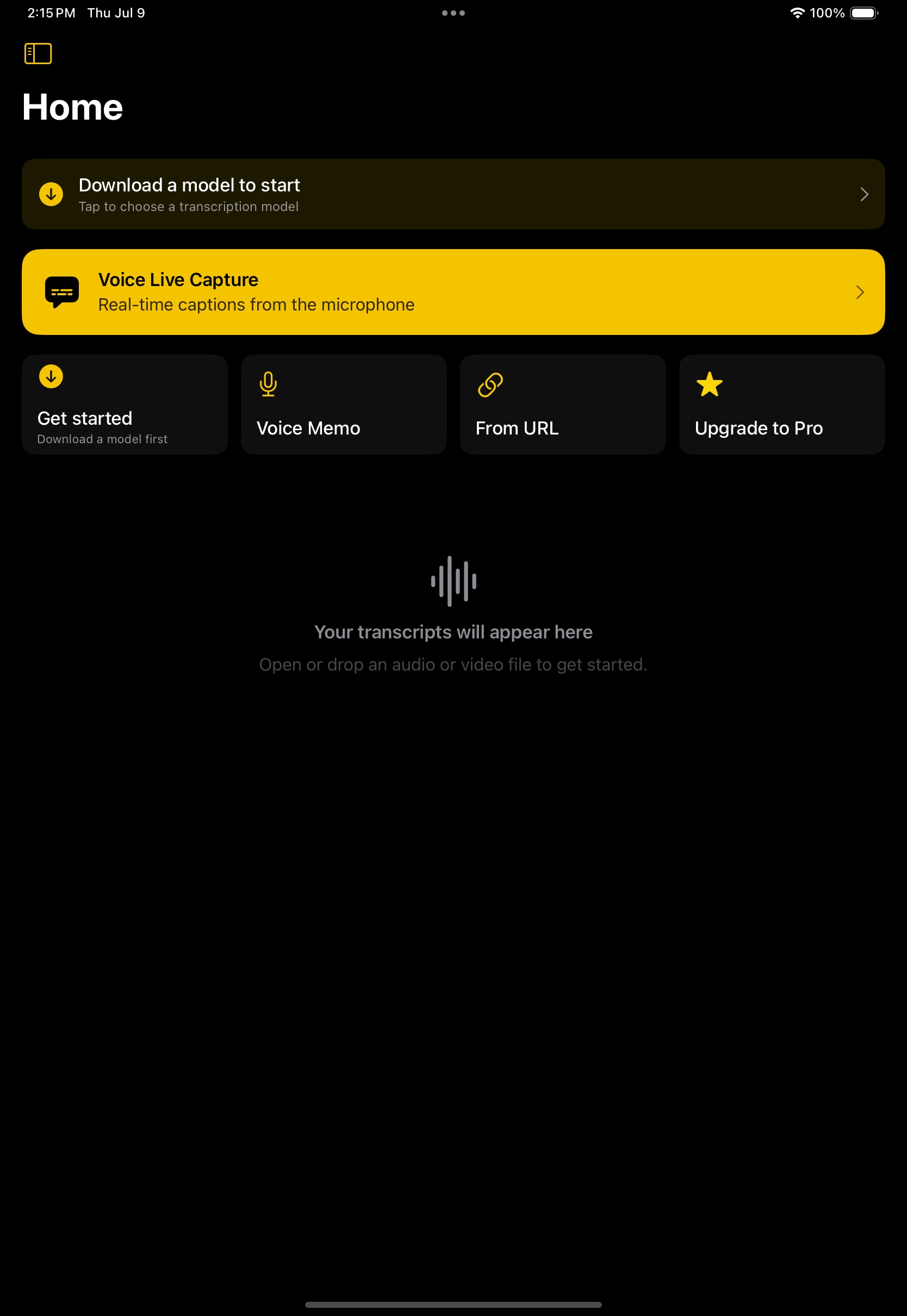
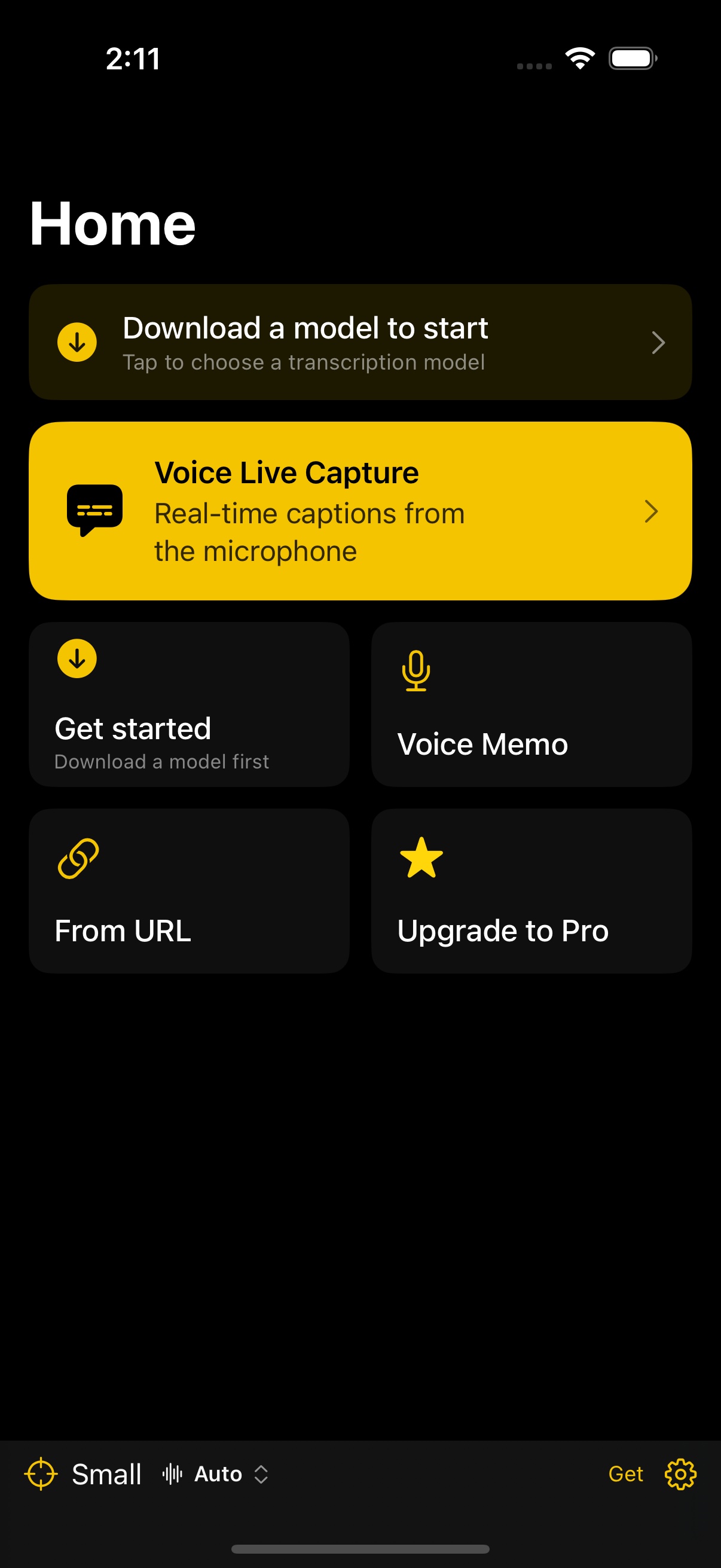
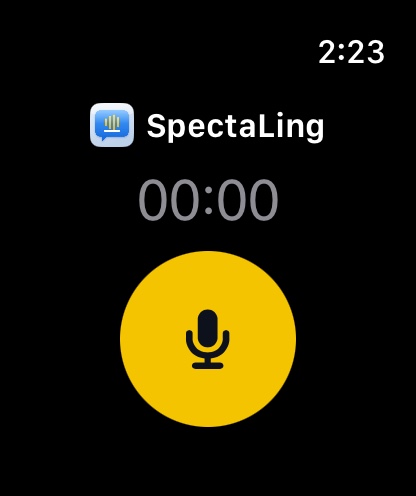
Native on iPhone, iPad, and Mac — with a companion on Apple Watch. One purchase covers them all.

Get the beta
SpectaLing is now on TestFlight for iPhone, iPad, and Mac. Tap to join the beta — the same link installs the right build on each device.
On-device AI · no account needed · iOS 18+ · macOS 15+.